How to Use a PC: Quick Tutorial
- Turning the PC On and Off Properly
Press the power button to start your computer. When finished, click the Start menu → Shut down to safely close all programs and prevent data loss. - Learning the Mouse and Keyboard
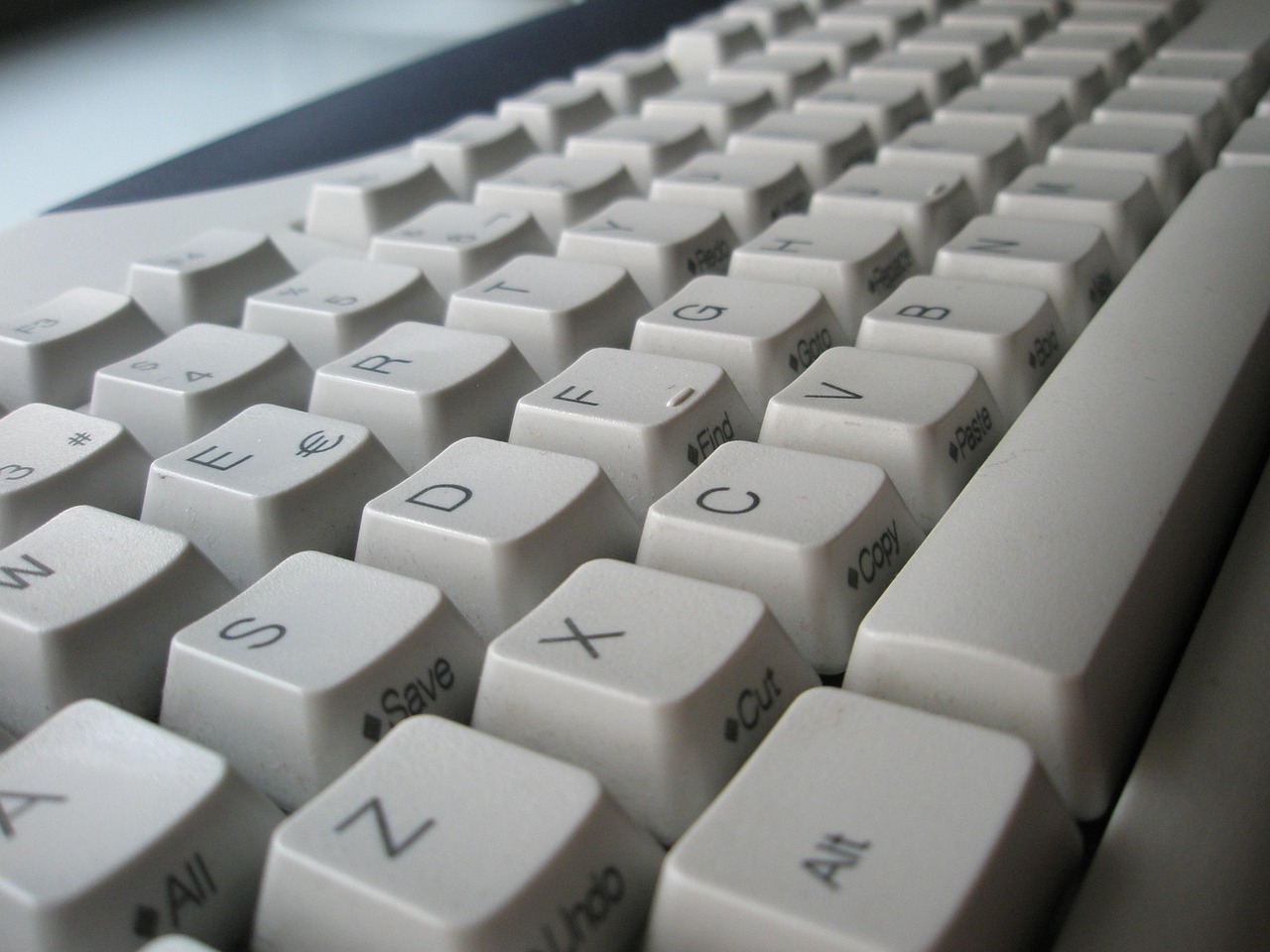
Use the mouse to point, click, double-click, right-click, and scroll. The keyboard is used for typing, shortcuts (like Ctrl + C to copy), and navigation. - Understanding the Desktop and Taskbar
The desktop is your main workspace where icons represent programs and files. The taskbar shows open apps, the clock, and system notifications. - Opening and Closing Programs
Use the Start menu or desktop icons to open programs. Close them by clicking the X or using Alt + F4 when finished or when something is frozen. - Using the Internet and Web Browsers
Open a browser (such as Chrome or Edge), type a website address or search term, and use tabs to open multiple pages at once if required. - Creating, Saving, and Opening Files
Create documents in apps like Word or Notepad, Excel etc. Click File at the Top and then Save, name your file, and choose a folder. Remember where files are saved so you can find them later. - Managing Files and Folders
Use File Explorer to create folders, move files, delete items, and keep everything organized. - Using Email and Attachments
Write and send emails, reply to messages, and attach files such as documents or images when needed. - Installing and Updating Software
Download programs only from trusted sources. Keep software and the operating system updated to fix bugs and improve security. It’s easy to download Malware on the PC - Staying Safe and Troubleshooting Basics
Use strong passwords, avoid suspicious links, and restart your PC if something isn’t working. Knowing basic safety and troubleshooting helps prevent common problems.
